Variables
Lyntaris allows you to create Variables that can be injected into System Prompts, Custom Functions, or LangChain Document Loaders.
However, unlike a standard chatbot platform, Lyntaris has a distributed architecture. Therefore, Variables can be instantiated in two distinct ways: Global Pipeline Scope (Flowise) or Real-time Injection (Unity).
🌎 Global Pipeline Scope
Variables managed from the /variables UI are statically tied to the Pipeline you currently have selected in the top-right header (e.g., Kiosk, Call Center).
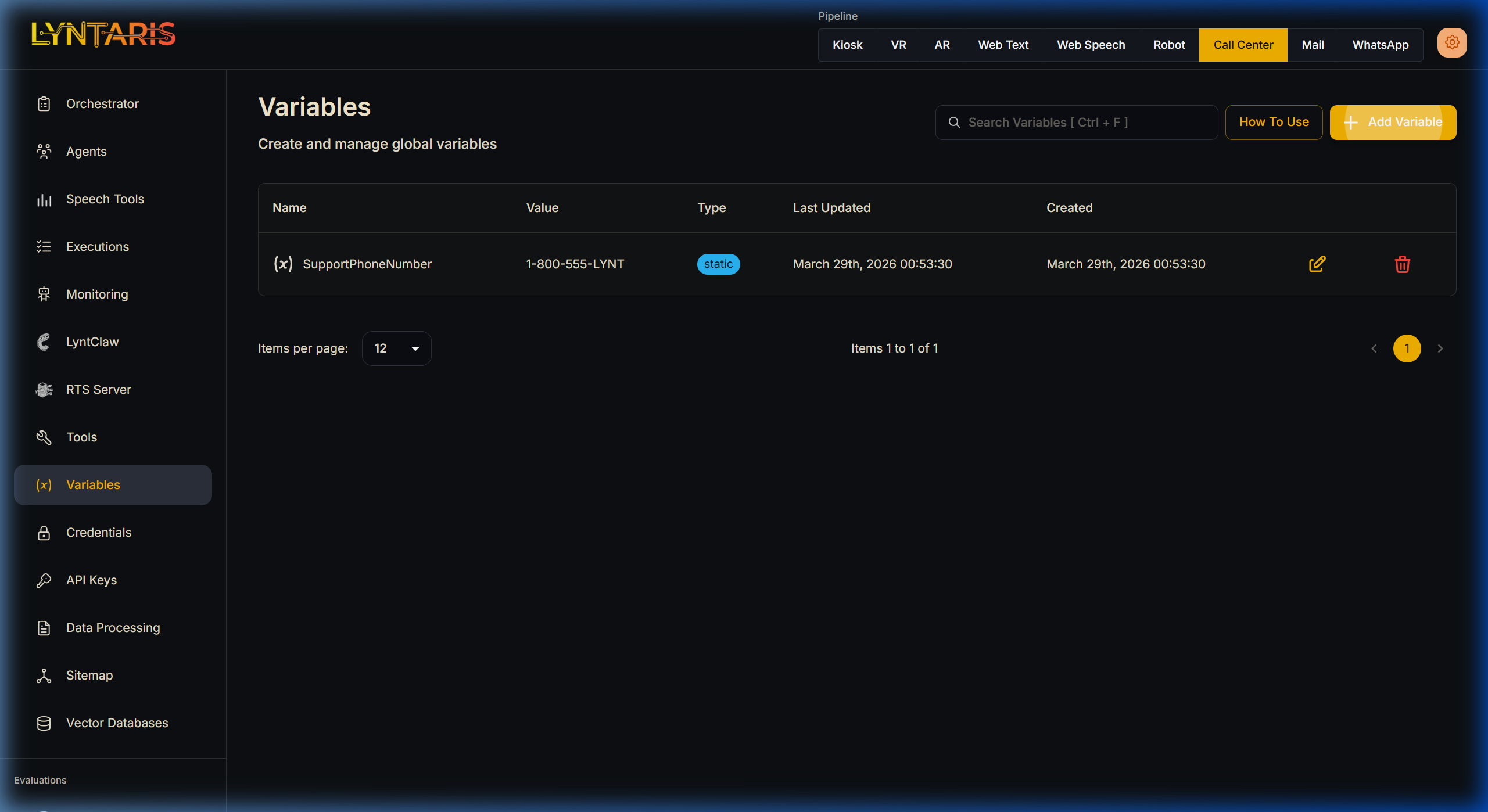
Creating a Variable
- Ensure you have the correct pipeline selected.
- Click Add Variable.
- Provide a Name (e.g.,
SupportPhoneNumber). - Select the Variable Type (
StaticorRuntime). - Provide a Value (e.g.,
1-800-555-LYNT).
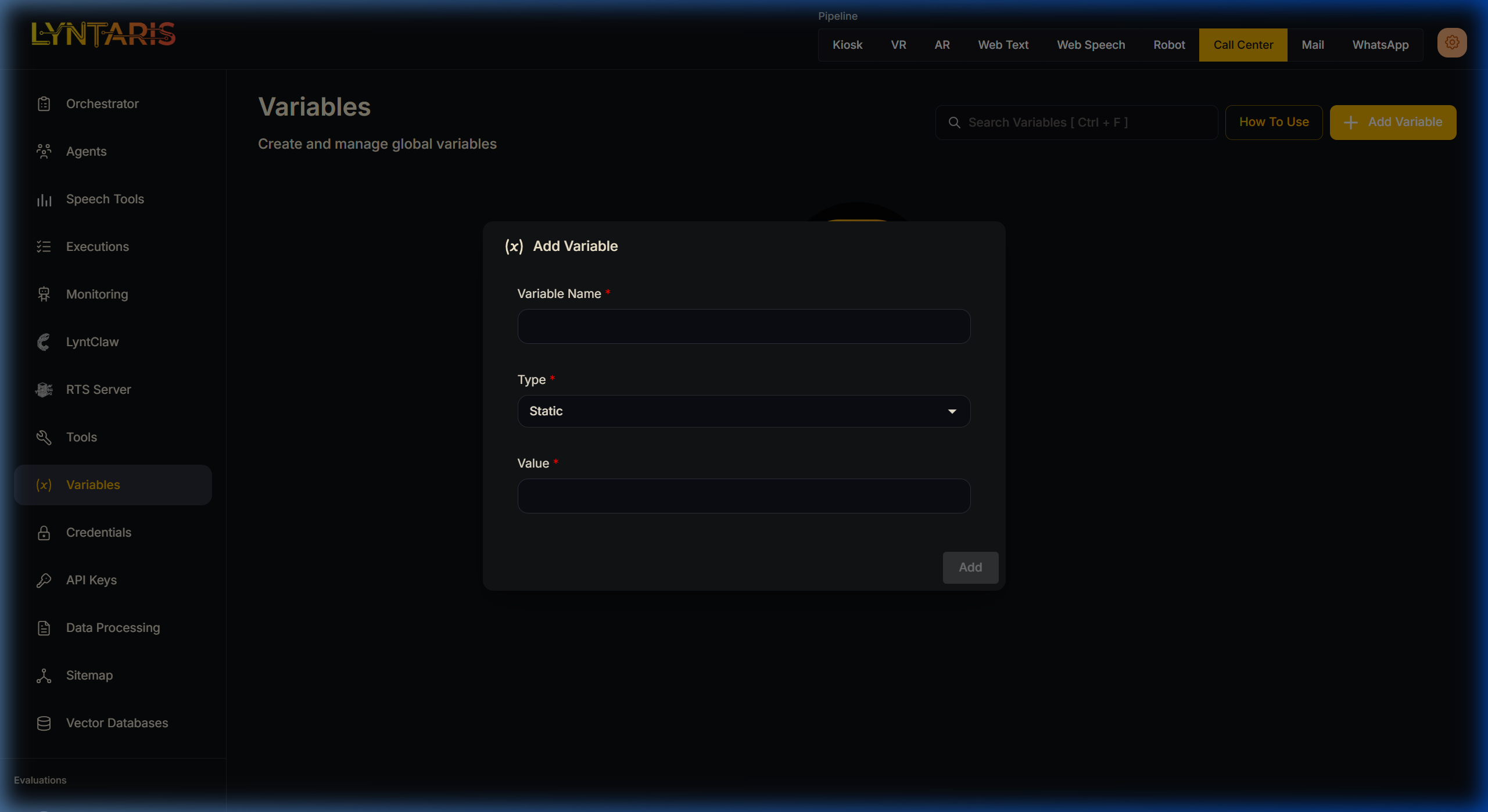
Once saved, you can immediately access this variable inside any Agent Node, Prompt Template, or Custom Function text box using the syntax: {{$vars.SupportPhoneNumber}}.
Because it is scoped to the pipeline, you can create a second variable with the exact same name SupportPhoneNumber under the Web Speech pipeline with a different value (1-800-555-WEBV), and the LLM will dynamically parse the correct string based entirely on which physical hardware is connecting to it.
⚡ Real-Time Injection (overrideConfig)
For highly robust enterprise deployments, hardcoding variables into a dashboard is insufficient. An agent deployed in an airport terminal needs to know exactly which terminal it is bolted to without generating a unique Flowise configuration for every single screen.
Lyntaris solves this through Real-time Injection via Unity.
During every single conversational turn, the physical Unity client utilizes Websockets to POST the user's transcript to Flowise. Attached to this payload is the { overrideConfig: {} } JSON object.
Parameters defined in your Lyntaris deployment configuration (client / hardware profile) are serialized into this payload as tenantVariables.
{
    "question": "Where is the bathroom?",
    "overrideConfig": {
        "sessionId": "UUID-1234-STRING",
        "tenantVariables": {
            "TerminalId": "Terminal-B-North",
            "StoreId": "1449"
        }
    }
}
These dynamically injected tenantVariables override—or completely define—the runtime variables available to Flowise for that exact conversational turn. This means the Agent inherently understands its unique physical context without requiring any UI configuration in the Variables tab.
Utilizing Variables in V2 Agents
Beyond custom variables, Lyntaris automatically injects critical conversational state into the Agent Canvas environment. You can utilize the following built-in variables directly inside any prompt box:
{{ question }}: The raw STT transcript.{{ chat_history }}{{ current_date_time }}: The localized time of the turn execution.{{ loop_count }}