Start (Realtime)
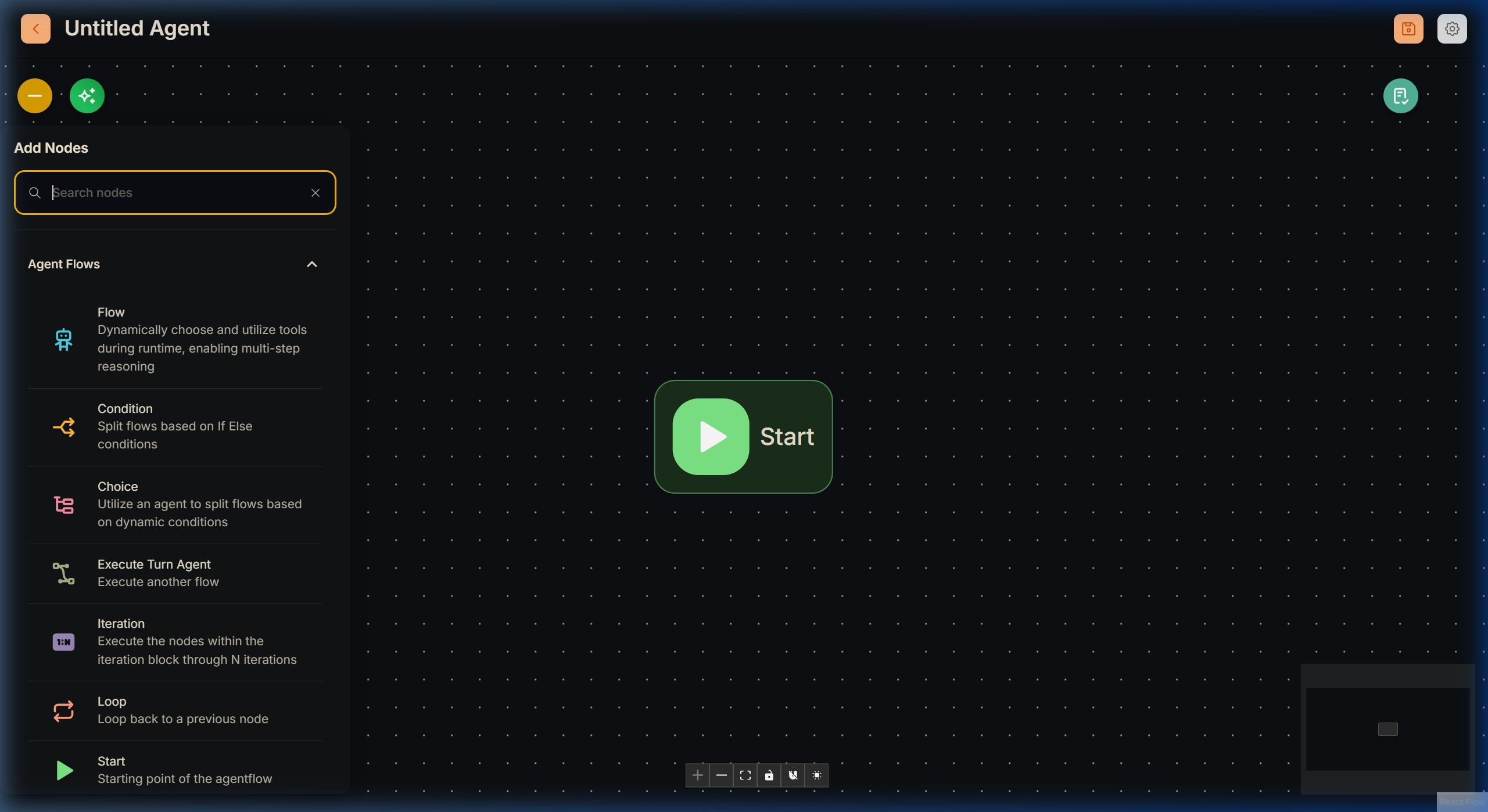
The Realtime Start Node operates differently from a traditional text chat node. Because this canvas is built for ultra-fast, continuous audio loops (like SIP Call Centers or headless Kiosks), the flow is almost never triggered by a manual "send" button.
Instead, the Realtime Start Node natively listens for system-level API triggers.
[!IMPORTANT] The Realtime Flow must be initiated using the Async Worker endpoint:
POST /api/v1/openai-realtime/{FLOW_ID}/queue/enqueue.
How It Works
Instead of waiting for typed chat, the Realtime Start node receives a structured JSON form payload from the voice/realtime client or from an external system (for example CRM) that enqueues the call.
When the remote queue event fires, Lyntaris automatically pushes:
- Session Context: The UUID matching the active phone line or physical Kiosk.
- State arrays: Context from your deployment configuration, such as
active_agent_idorcurrent_media_prompts. - Heartbeat Triggers: A continuous
pingsequence (typically every 5 seconds) begins arriving at the Start node, letting the Flowise engine know the caller is still active, safely resetting the 60-second execution timeout.
Best Practices
- Do NOT assume standard graphical UI loading delays. When the Start Node fires, you must be ready to stream the LLM response instantly, or the end-user will hear dead silence on the line.
- The
questionfield on the payload acts as the caller's spoken transcript, processed instantly through the Node into the downstream flow.