ChatGoogleGenerativeAI
Prerequisite
Setup
- Chat Models > drag ChatGoogleGenerativeAI node
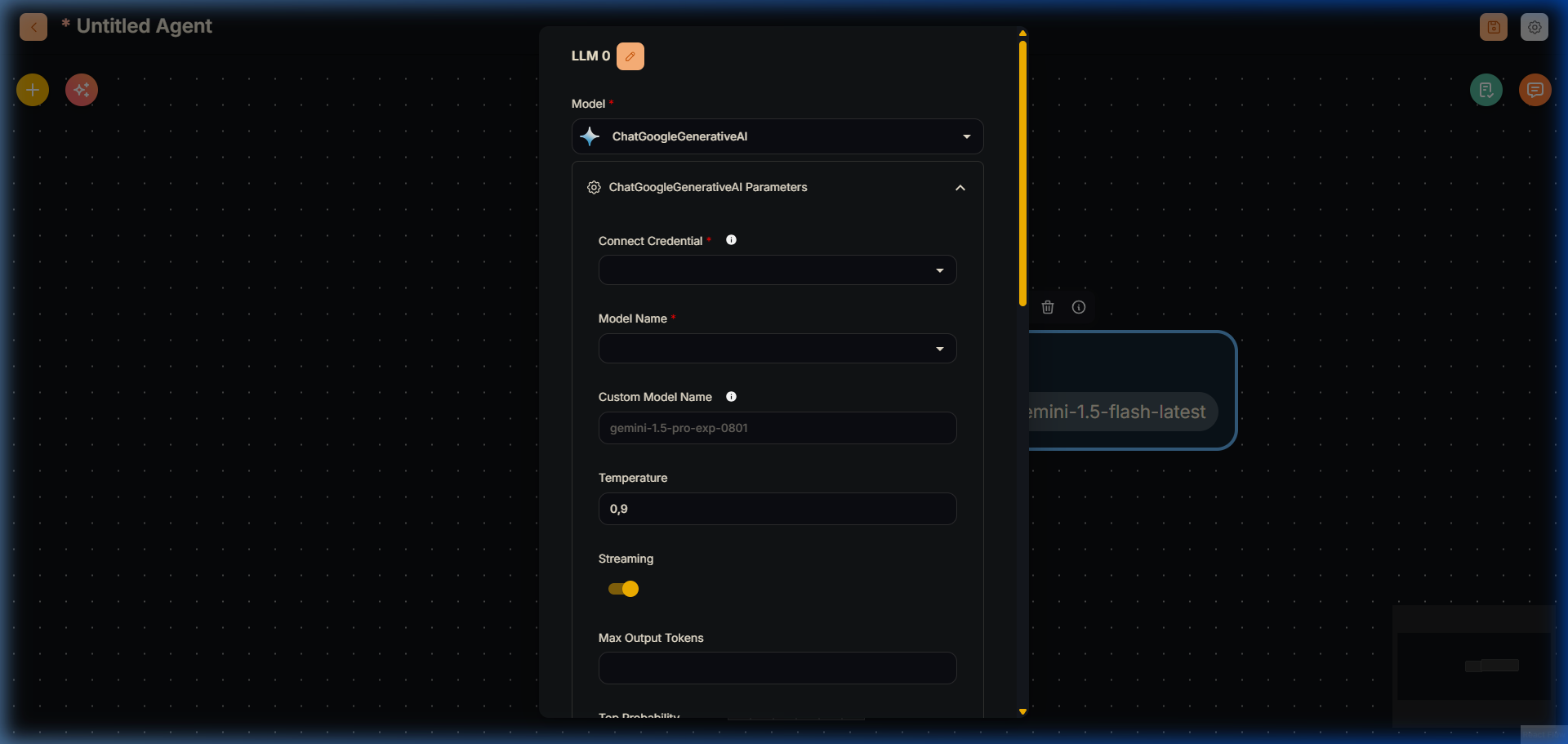
ChatGoogleGenerativeAI Node (V2 Agentflow)
Connect Credential > click Create New and fill in your details.
Voila 🎉, you can now use ChatGoogleGenerativeAI node in Lyntaris.
Safety Attributes Configuration
- Click Additonal Parameters
When configuring Safety Attributes, the amount of selection in Harm Category & Harm Block Threshold should be the same amount. If not it will throw an error
Harm Category & Harm Block Threshold are not the same lengthThe combination of Safety Attributes below will result in
Dangerousis set toLow and AboveandHarassmentis set toMedium and Above