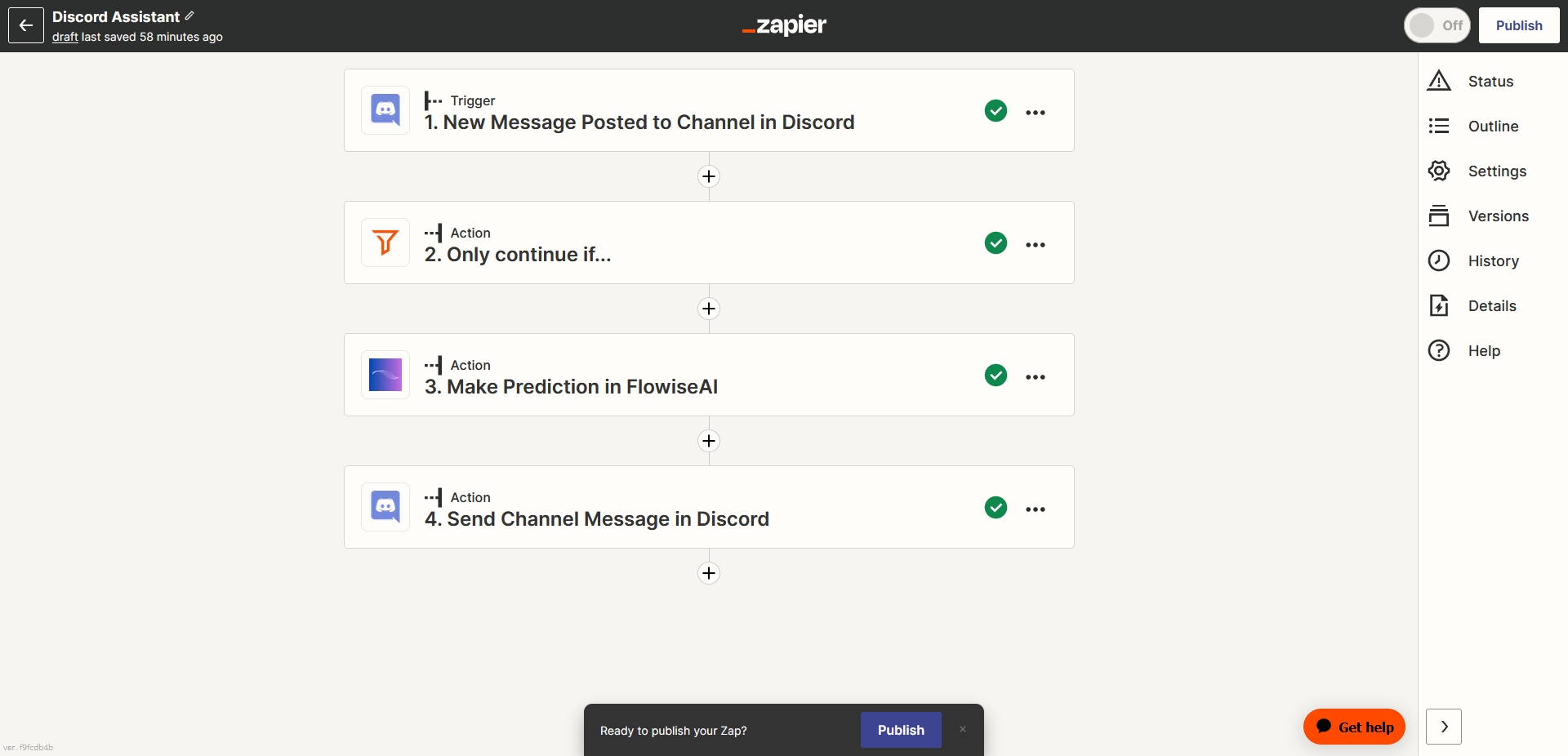
Zapier Zaps
Prerequisite
- Log in or sign up to Zapier
- Run Lyntaris on a reachable host (cloud or on-prem) using your normal deployment process so Zapier can call your HTTP endpoints.
Setup
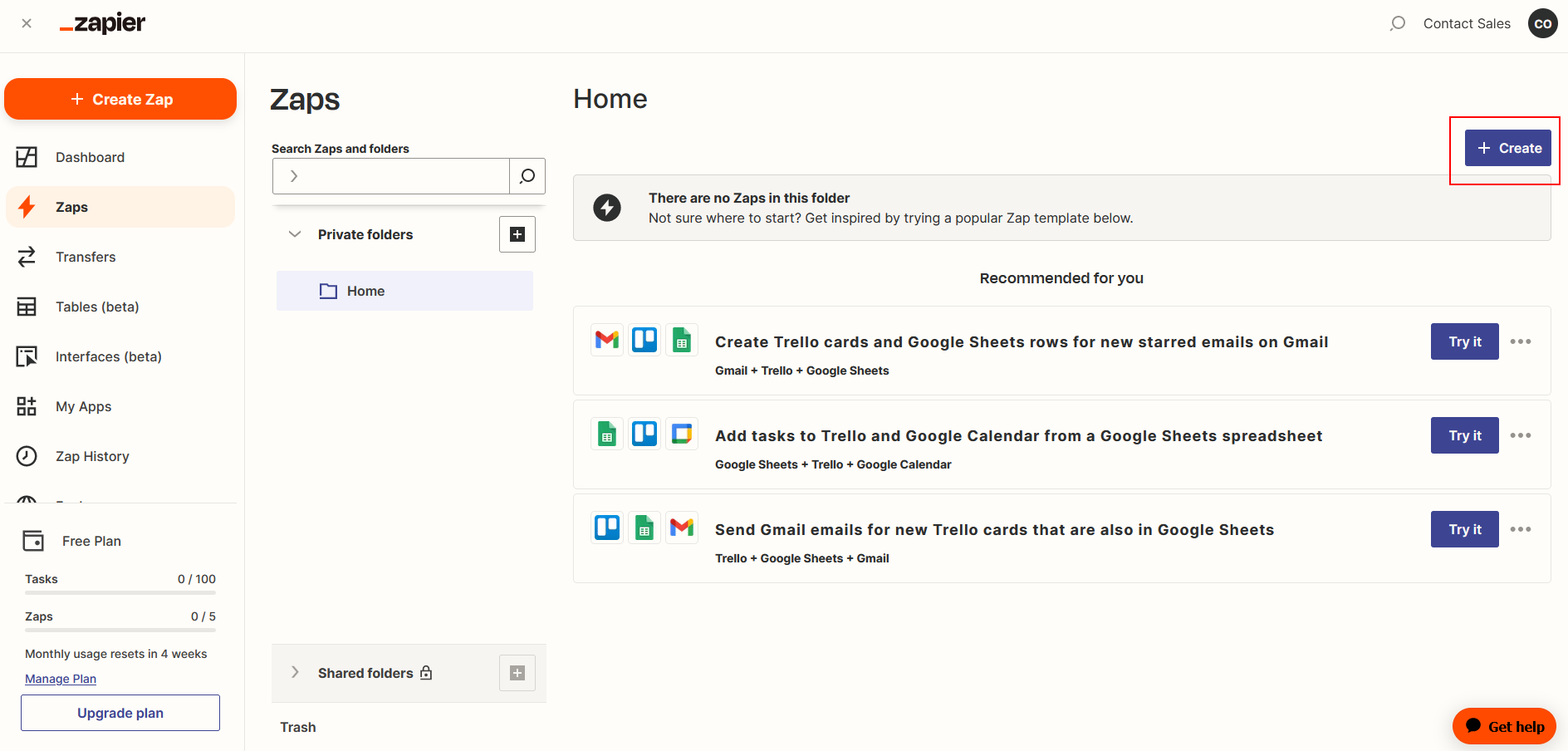
- Go to Zapier Zaps
- Click Create
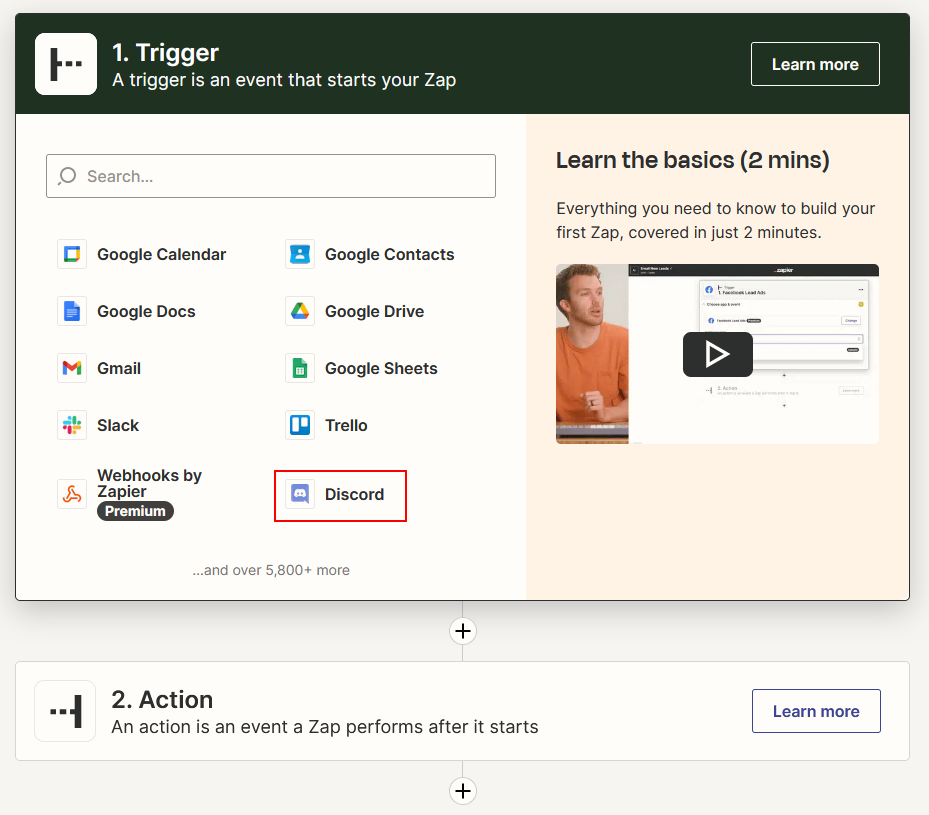
Receive Trigger Message
Click or Search for Discord
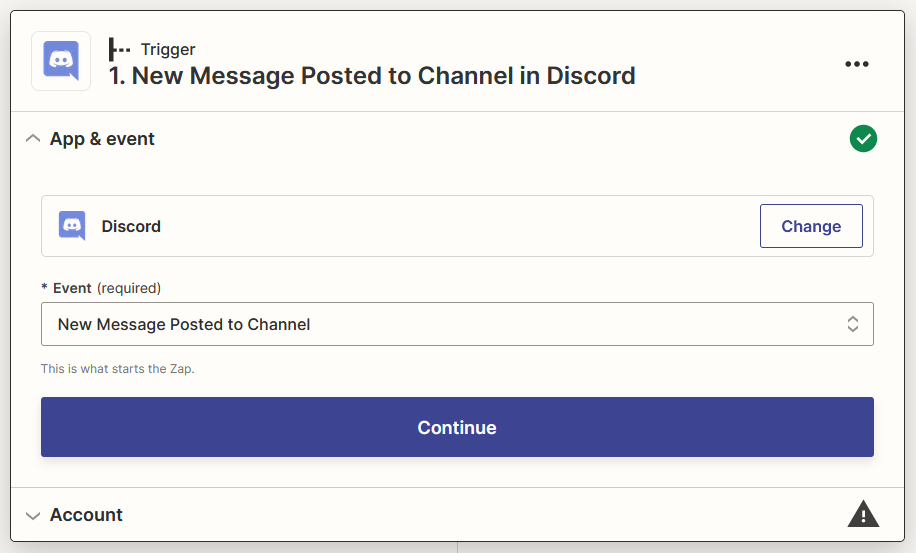
Select New Message Posted to Channel as Event then click Continue
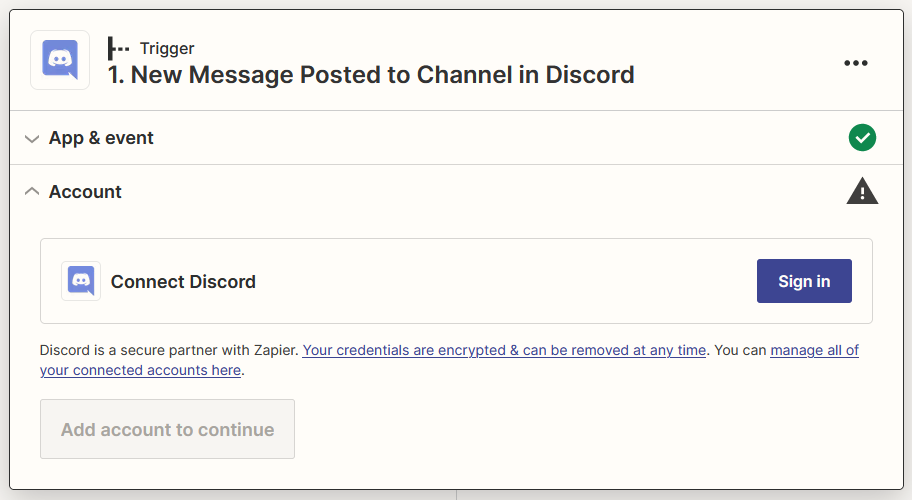
Sign in your Discord account
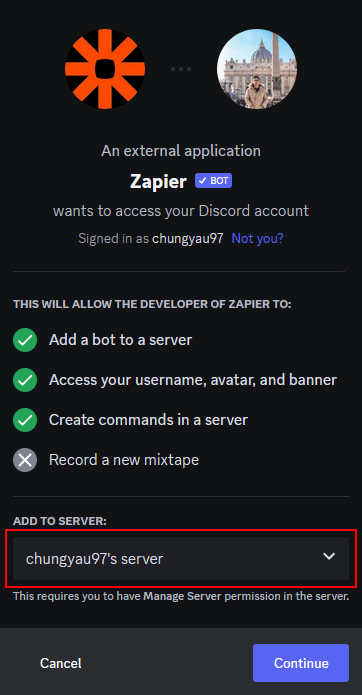
Add Zapier Bot to your prefered server
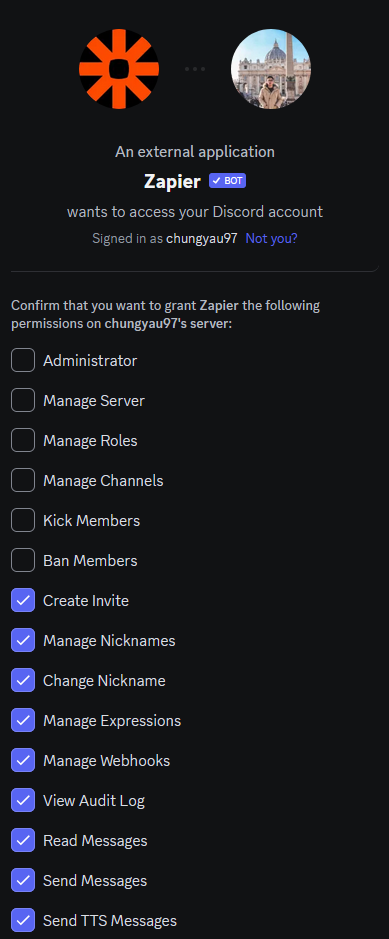
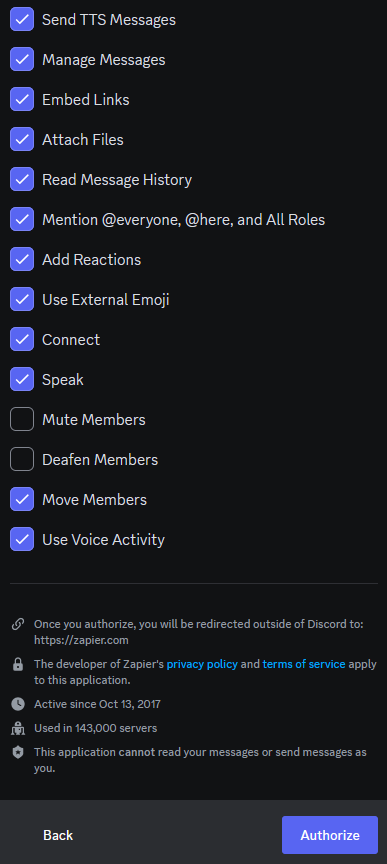
Give appropriate permissions and click Authorize then click Continue
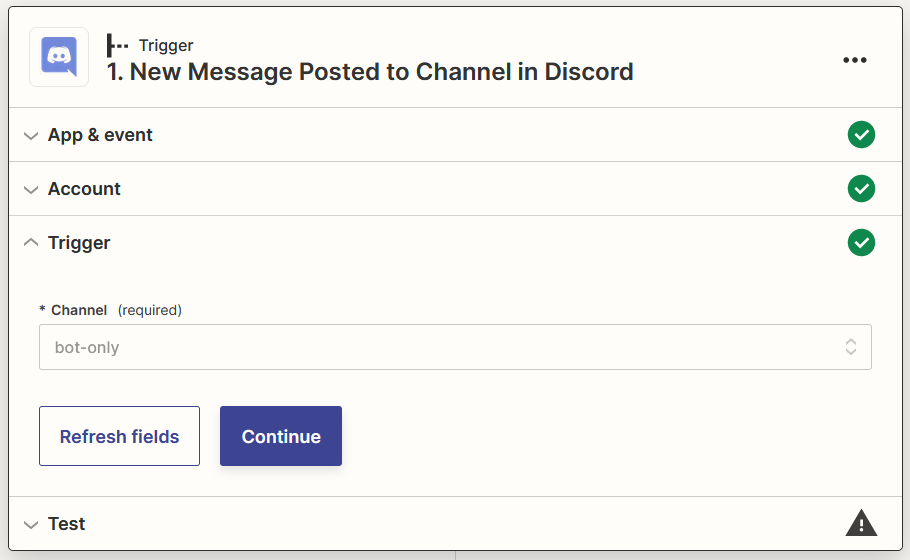
Select your prefered channel to interact with Zapier Bot then click Continue
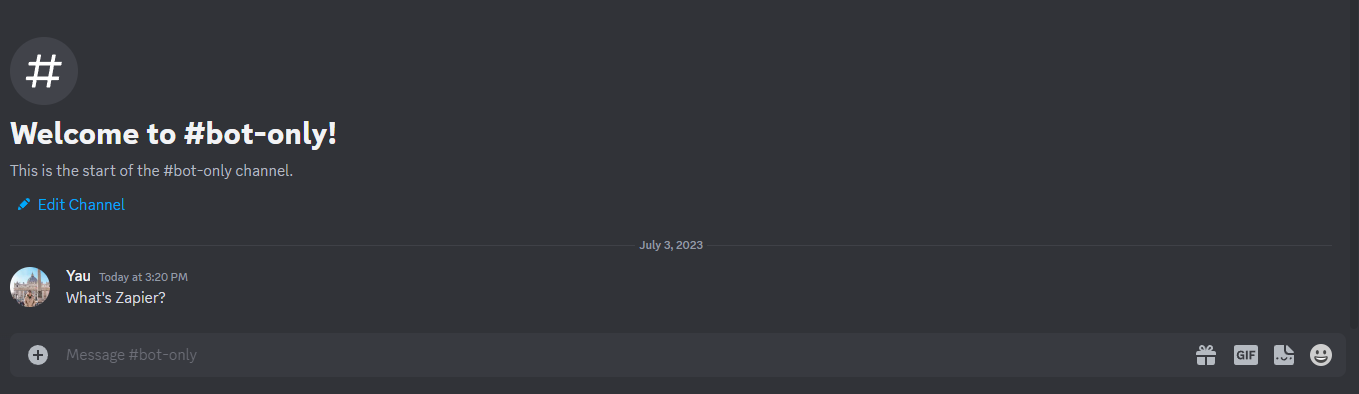
Send a message to your selected channel on step 8
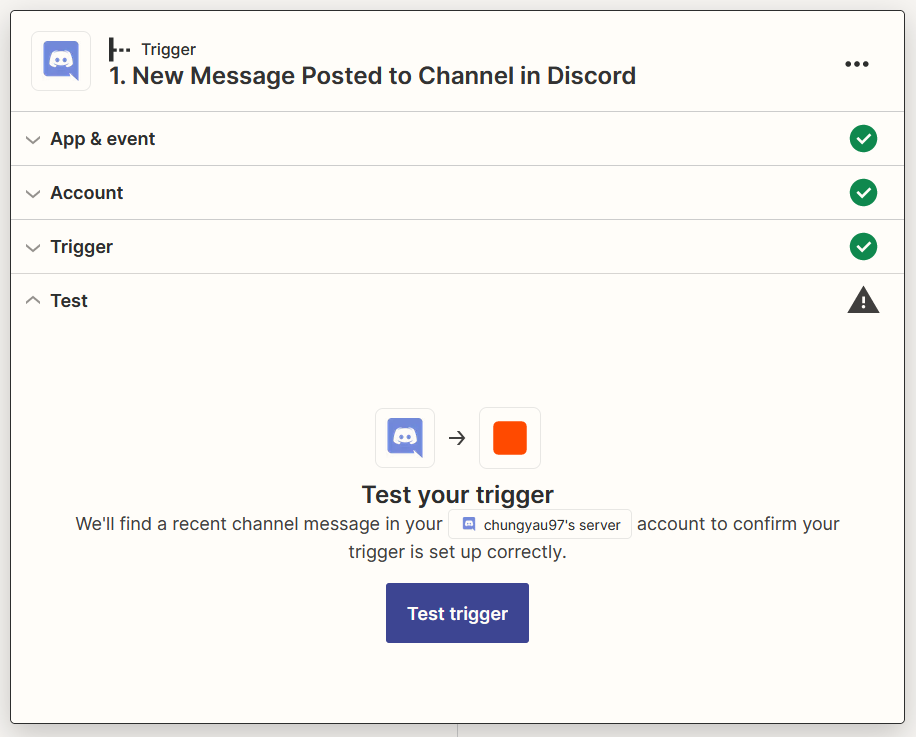
Click Test trigger
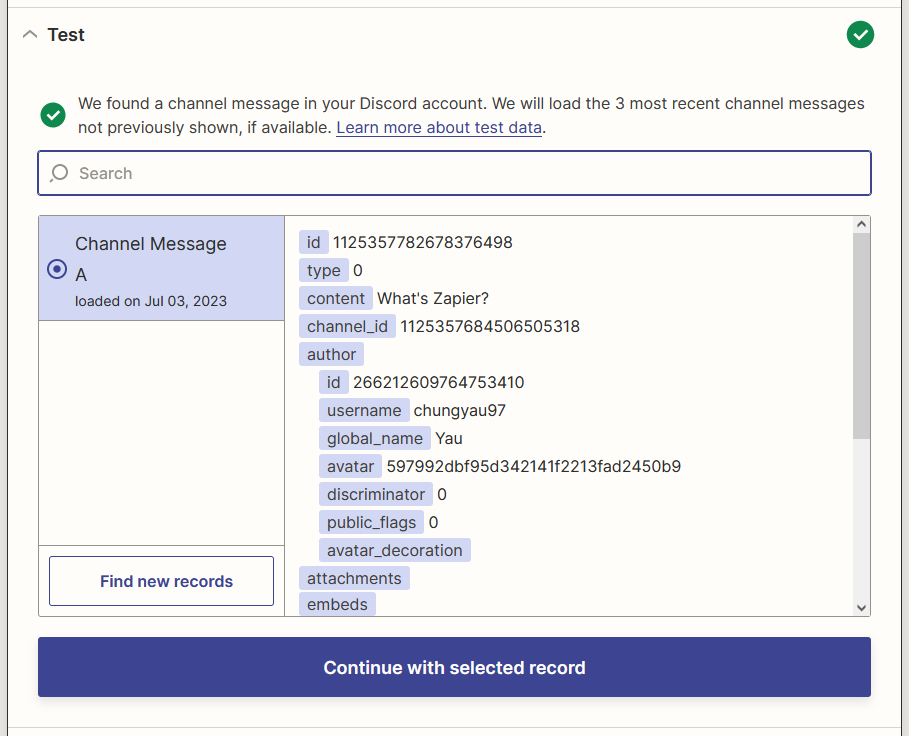
Select your message then click Continue with the selected record
Filter out Zapier Bot's Message
Click or search for Filter
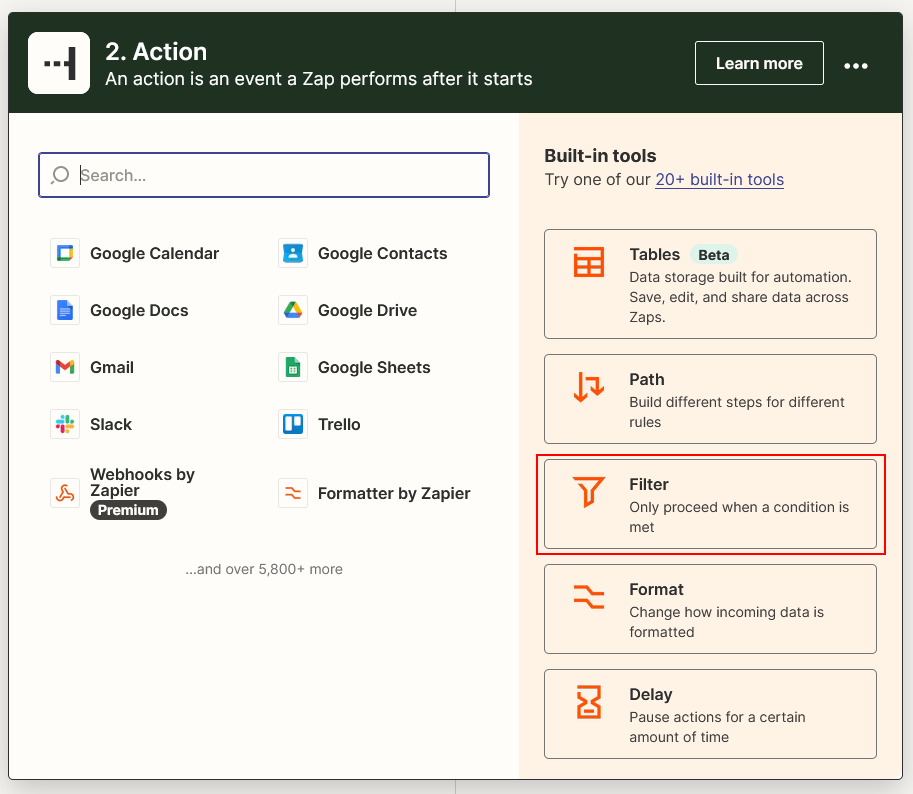
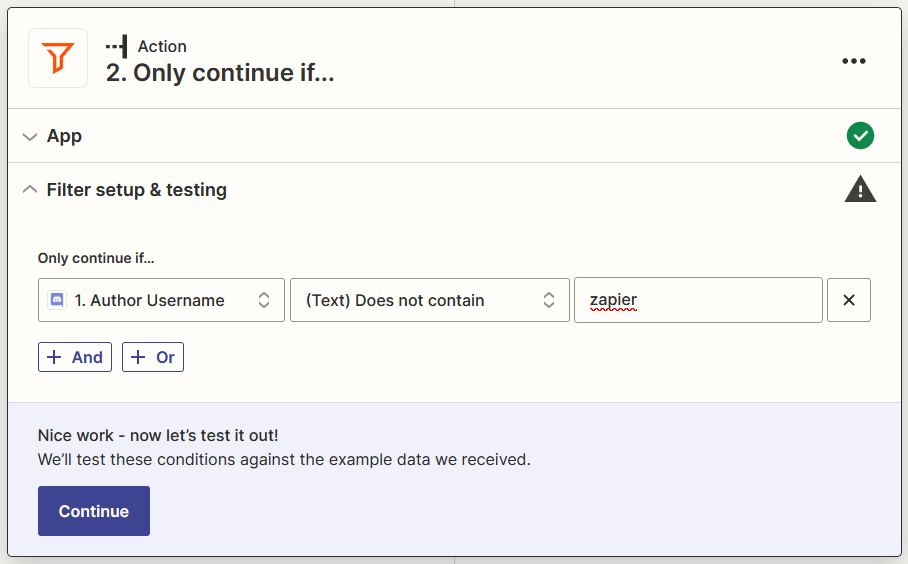
Configure Filter to not continue if received message from Zapier Bot then click Continue
Lyntaris generate Result Message
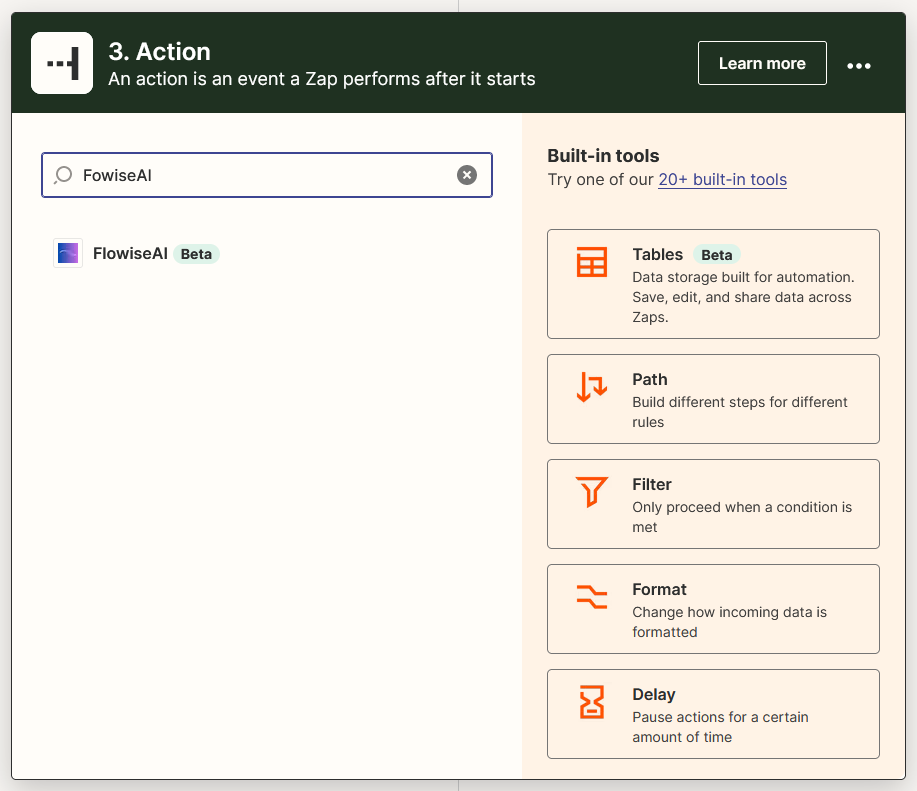
Click +, click or search for Lyntaris
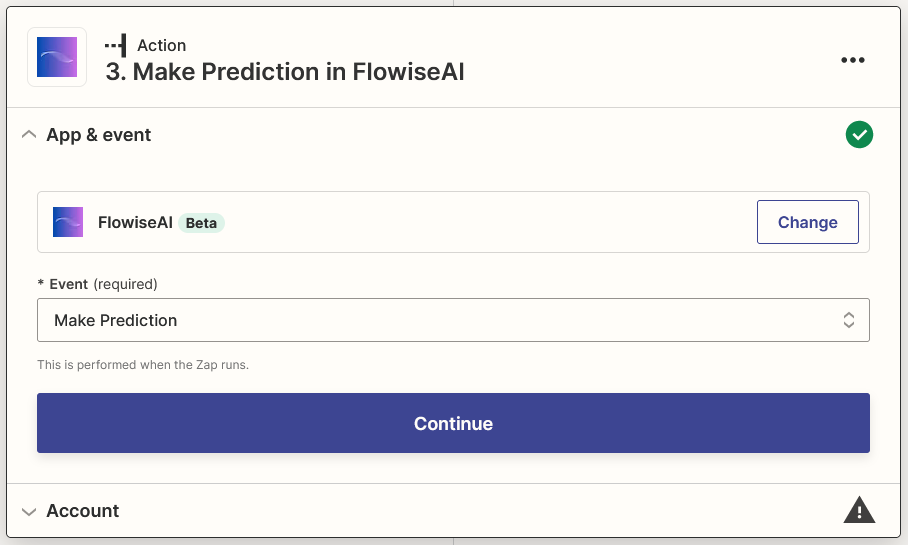
Select Make Prediction as Event, then click Continue
Click Sign in and insert your details, then click Yes, Continue to Lyntaris
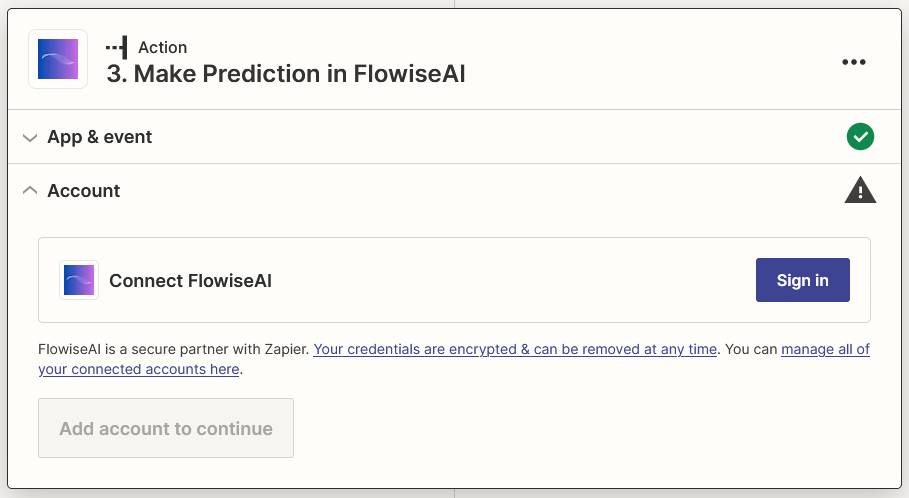
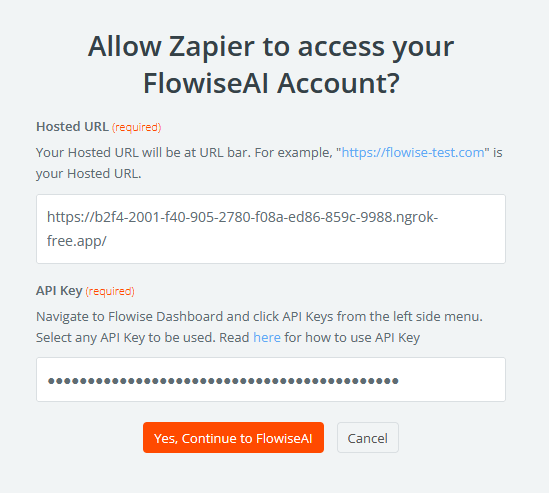
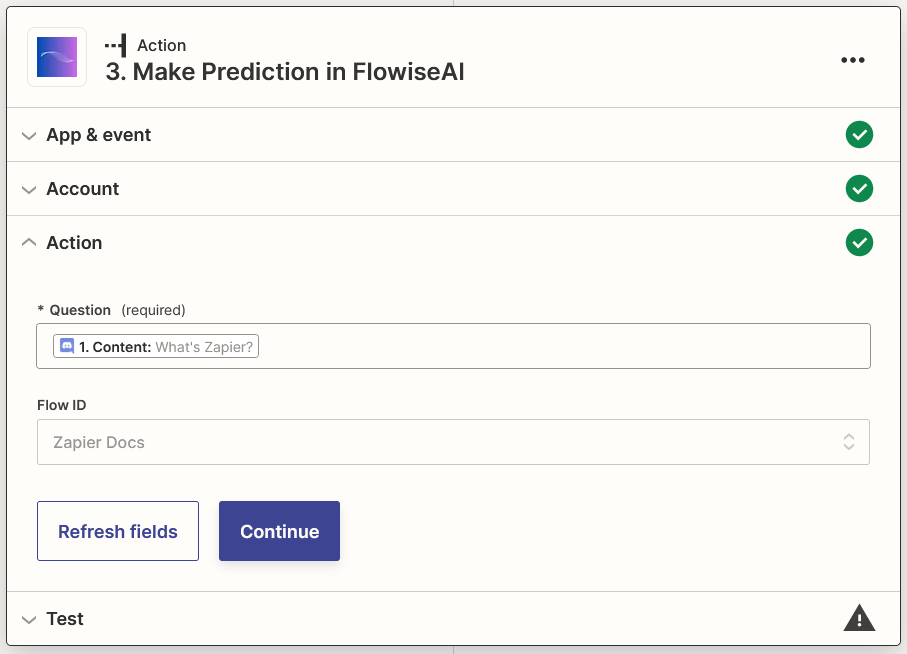
Select Content from Discord and your Flow ID, then click Continue
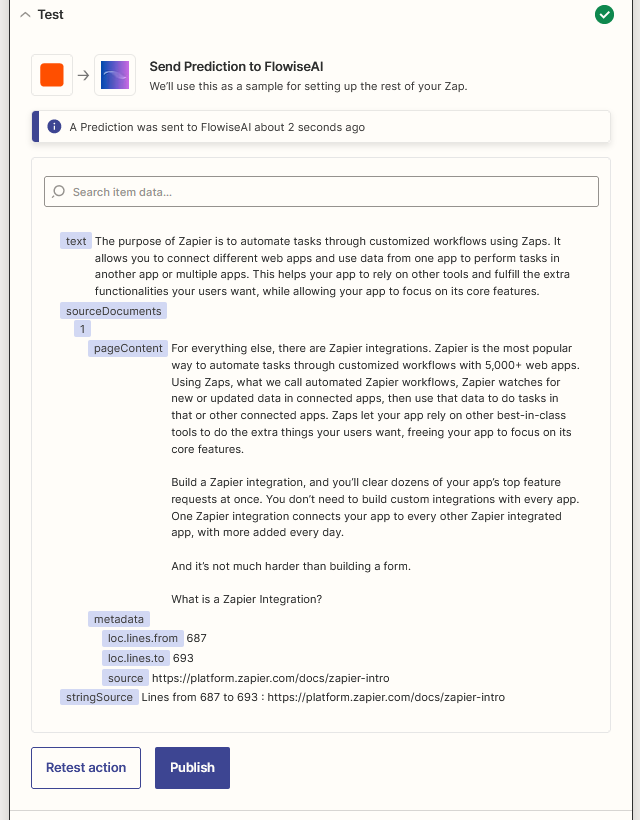
Click Test action and wait for your result
Send Result Message
Click +, click or search for Discord
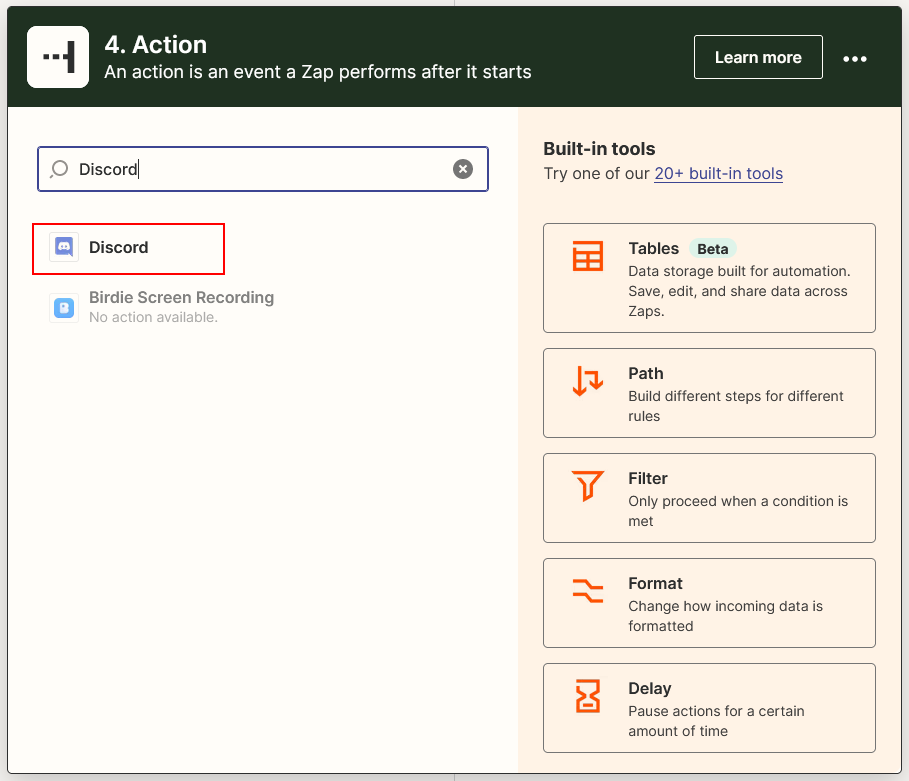
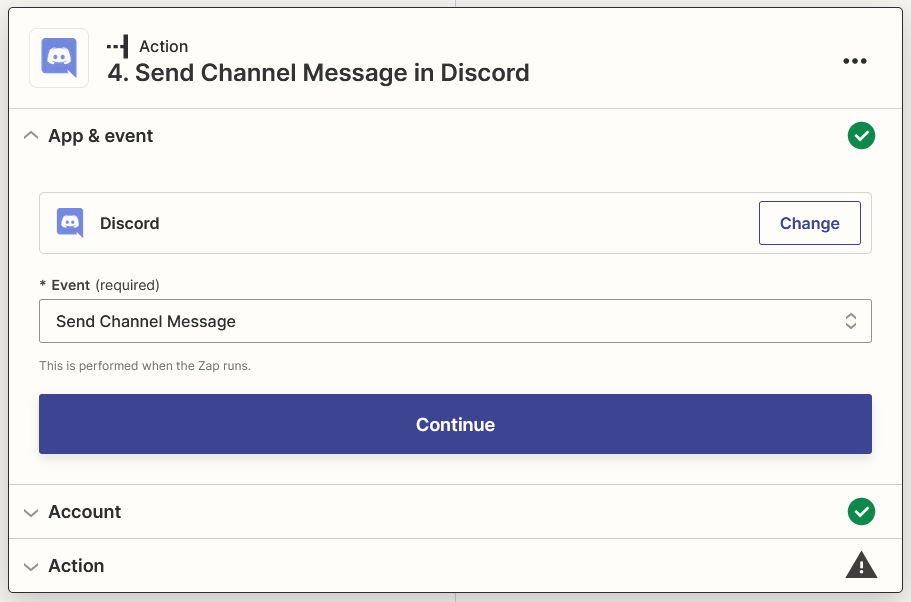
Select Send Channel Message as Event, then click Continue
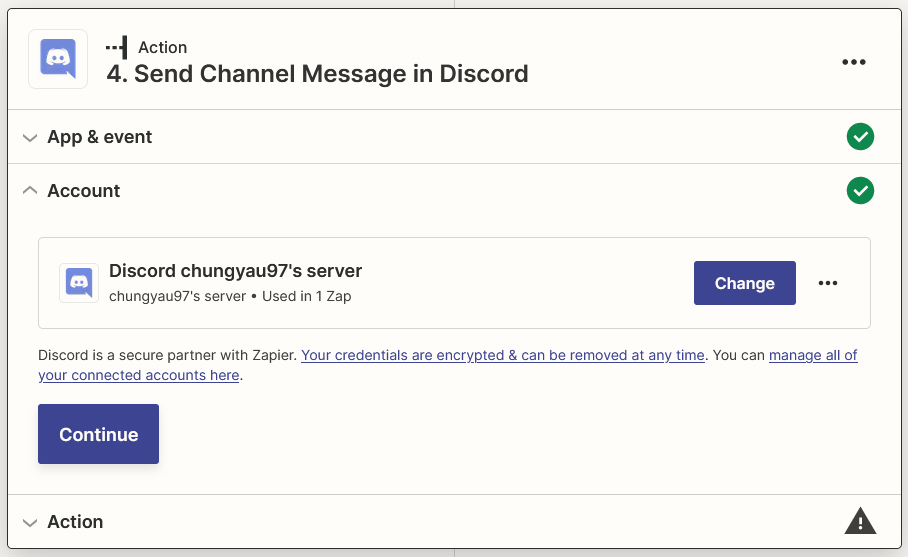
Select the Discord's account that you signed in, then click Continue
Select your prefered Channel for channel and select Text and String Source (if available) from Lyntaris for Message Text, then click Continue
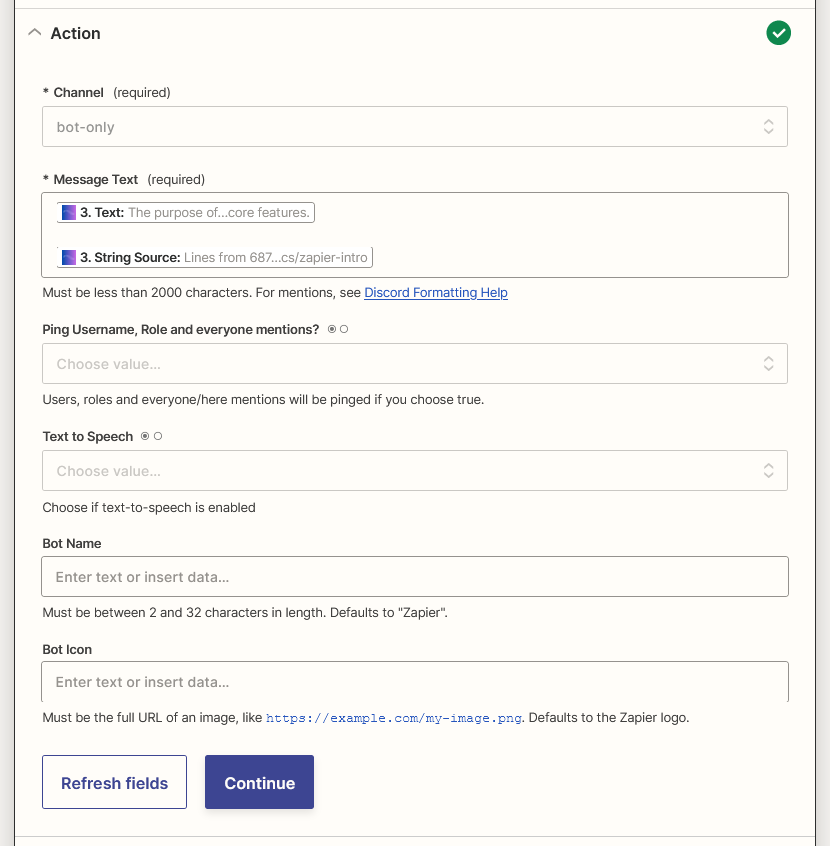
Click Test action
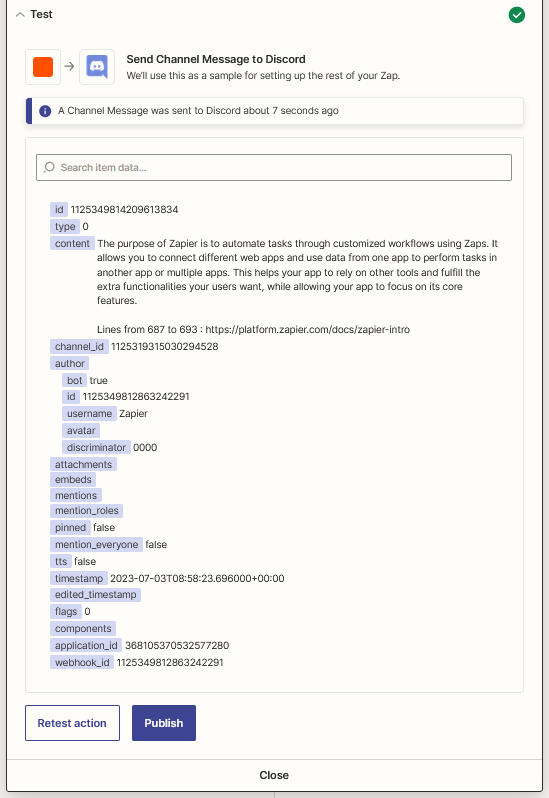
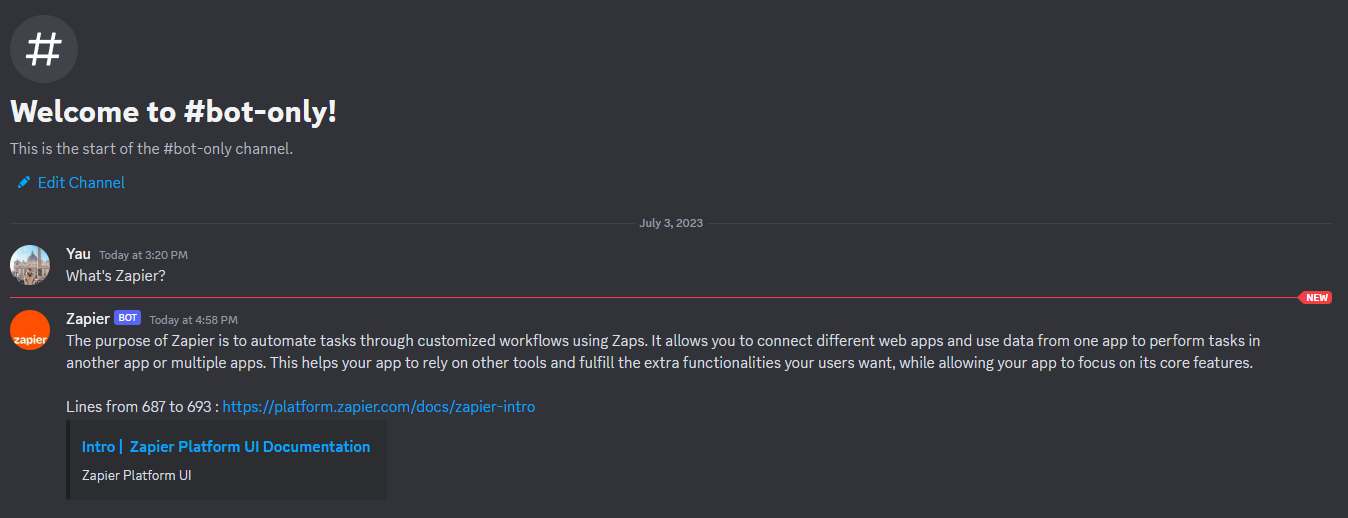
Voila 🎉 you should see the message arrived in your Discord Channel
Lastly, rename your Zap and publish it