Realtime Executions
While Turn Executions track simple text-based interactions, Voice AI pipelines (like Call Center and VR) operate on a fundamentally different paradigm. These pipelines maintain continuous, high-frequency, bi-directional audio streams.
When an agent talks to a human over the phone, hundreds of audio chunks are processed, Speech-to-Text (STT) arrays are compiled, and Text-to-Speech (TTS) buffers are serialized. The Realtime Executions page is specifically built to trace these massive continuous sessions.
In Lyntaris, open Executions, enable Realtime Executions, and choose the pipeline (for example Call Center or Kiosk). Some menus also include an Analytics entry that points at the same artifact store: you can filter by pipeline, preview HTML or Markdown, download files, and work with issue notes.
To build realtime flows and enqueue them from external systems, see Realtime Agent Canvas.
1. High-Density Session Tracking
Because a single phone call can generate enormous amounts of telemetry, Lyntaris groups these into unified Realtime Execution sessions.
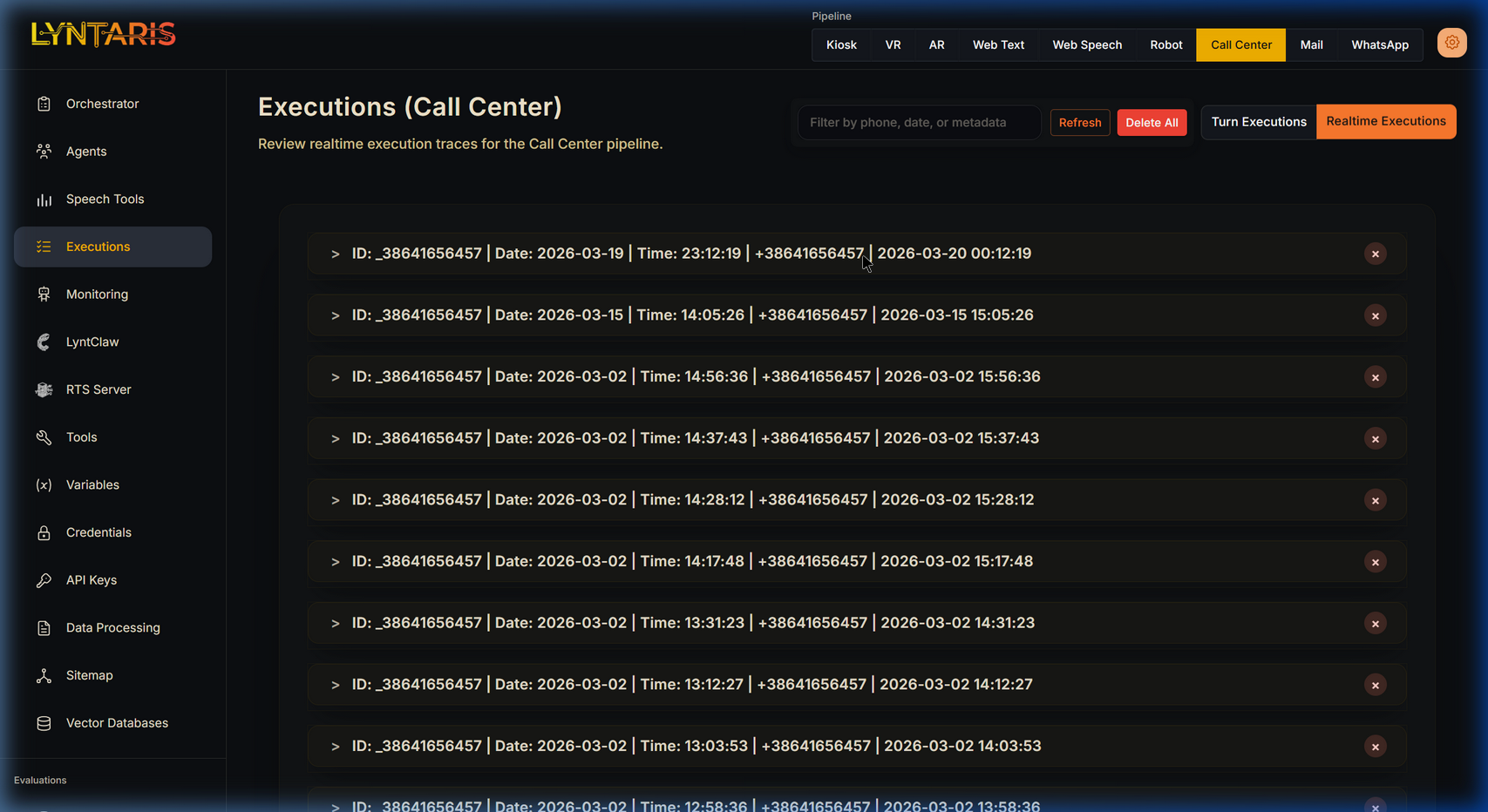
Active and completed Realtime Call Center sessions
As shown above, navigating to Executions and selecting the Call Center pipeline alongside the Realtime Executions toggle reveals all historical calls. From here, you can identify sessions by:
- The caller's Phone Number (e.g.
+38641656457) mapped as the ID. - Start dates, End dates, and total session durations.
2. Granular Forensic JSON
To understand why an AI said something during a live phone call, simply click on an execution row to expand its forensic payloads.
Lyntaris captures a multi-layered diagnostic record:
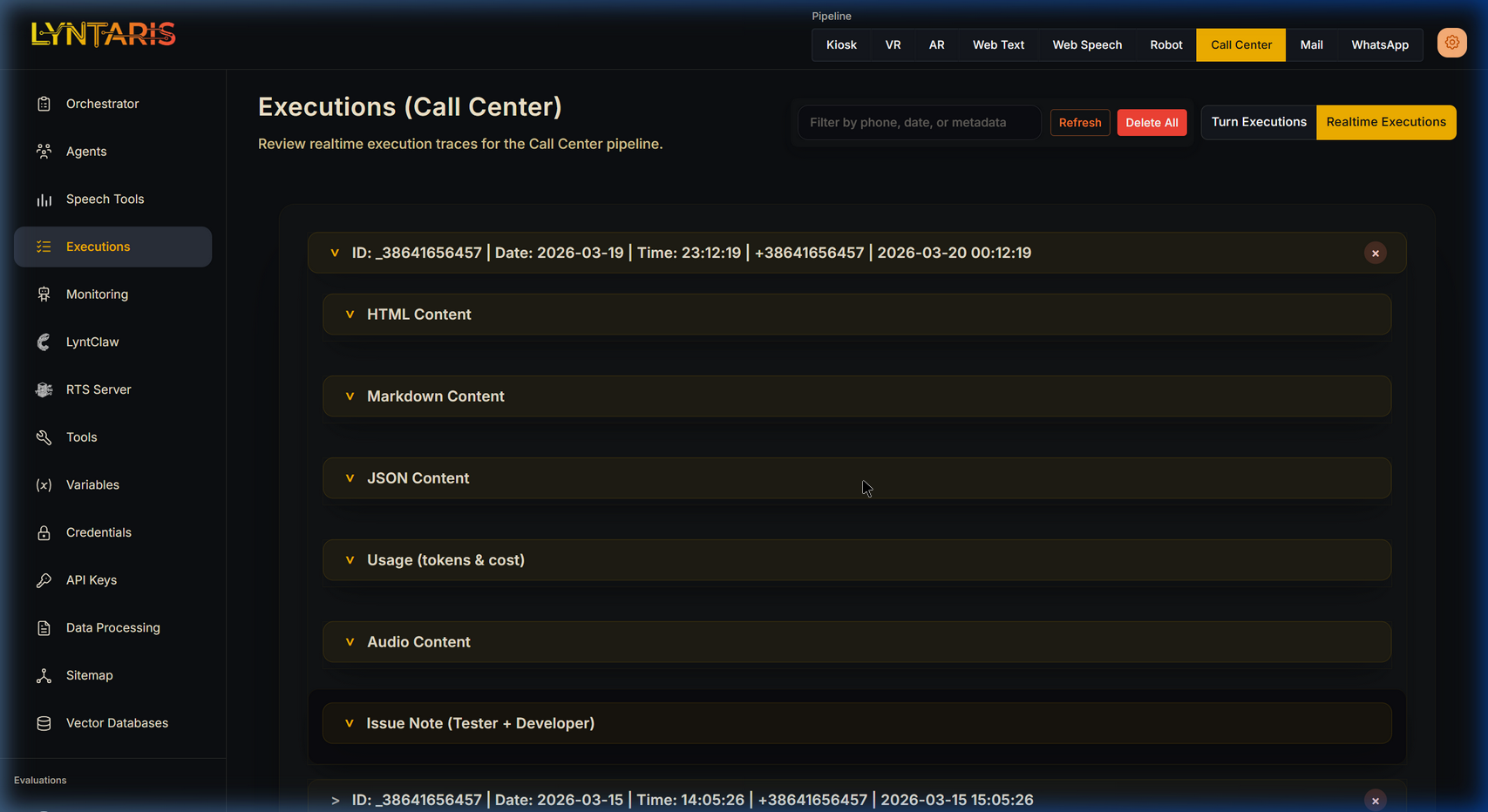
Deep forensic JSON payloads including Transcripts and Audio metadata
Section Breakdown
- HTML/Markdown Content: Often populated automatically by post-processing agents (e.g., if a Call Center agent finishes a call, another Agent analyzes the call and saves a clean Markdown summary like Slovene transcript regarding a car service for a Škoda Octavia).
- JSON Content: The raw JSON context variables the AI had access to during the call.
- Usage (Tokens & Cost): An exact aggregation of all continuous streaming tokens consumed during the entire voice session.
- Audio Content: References or metadata pointing to the recorded STT wav files for quality assurance.
- Issue Note: Field for QAT testers and developers to flag problematic sessions directly inside the trace logs.
3. Export and automation (REST)
To export or integrate execution logs with external tools (Splunk, Datadog, and similar), use the executions HTTP API on your Lyntaris host. The full technical reference is maintained in the Lyntaris technical documentation package for your deployment—not duplicated here.