# Upstash
## Prequisites
1. Sign up or Sign In to [Upstash Console](https://console.upstash.com)
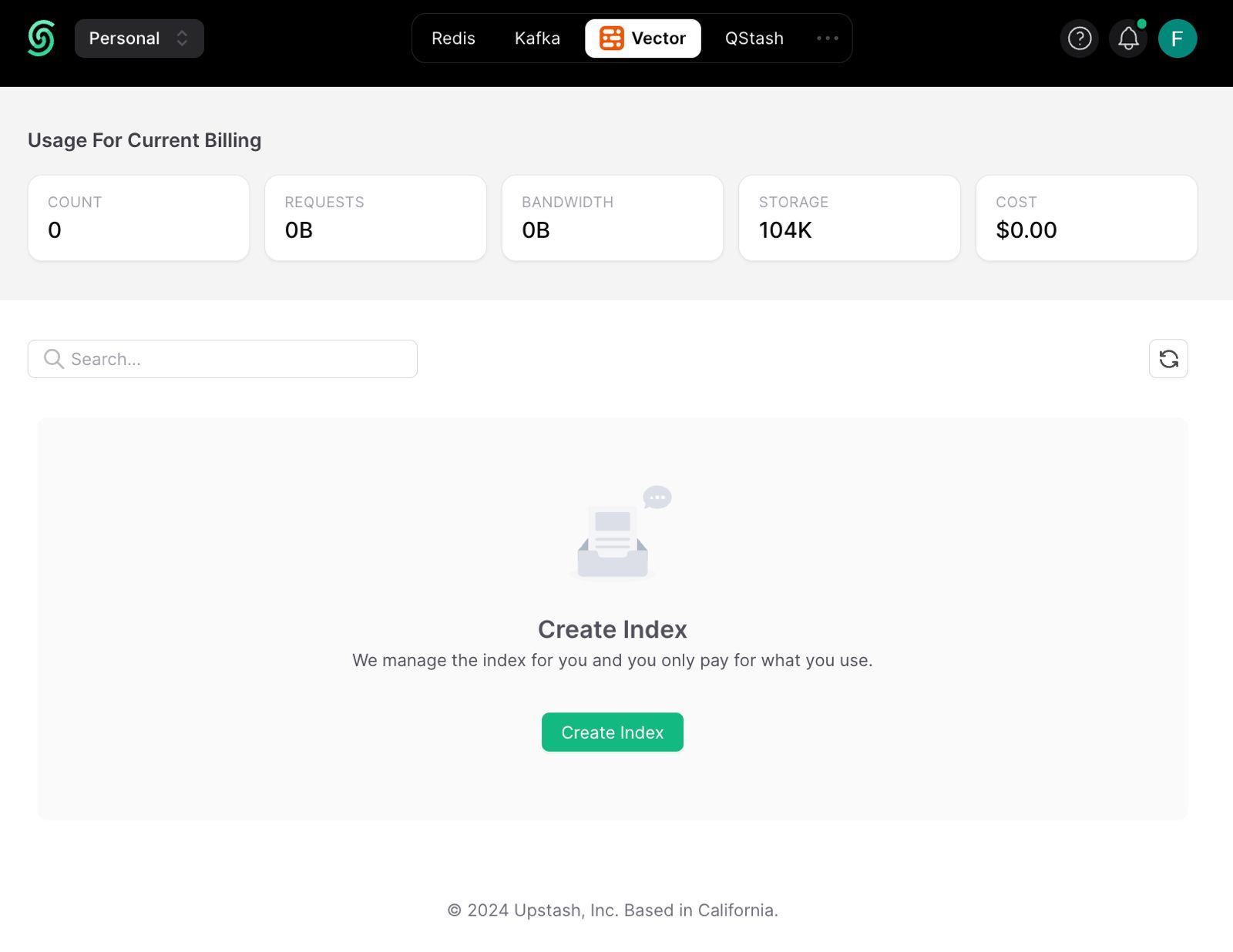
2. Navigate to Vector page and click **Create Index**
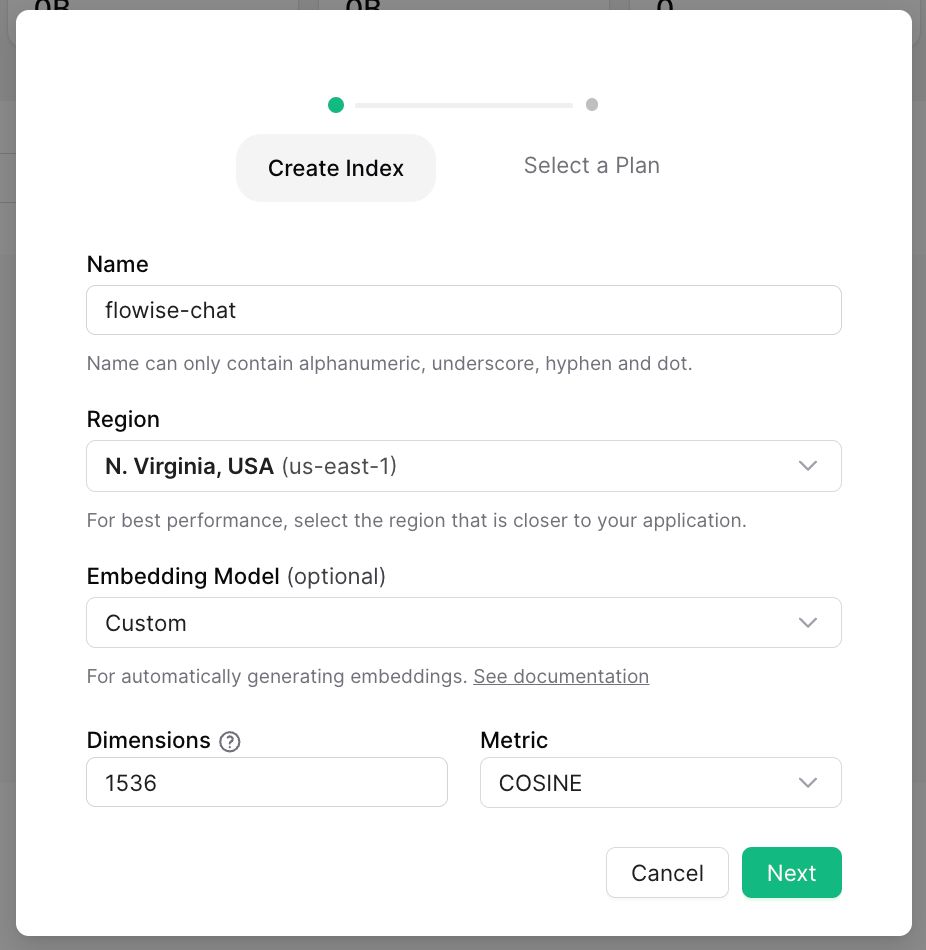
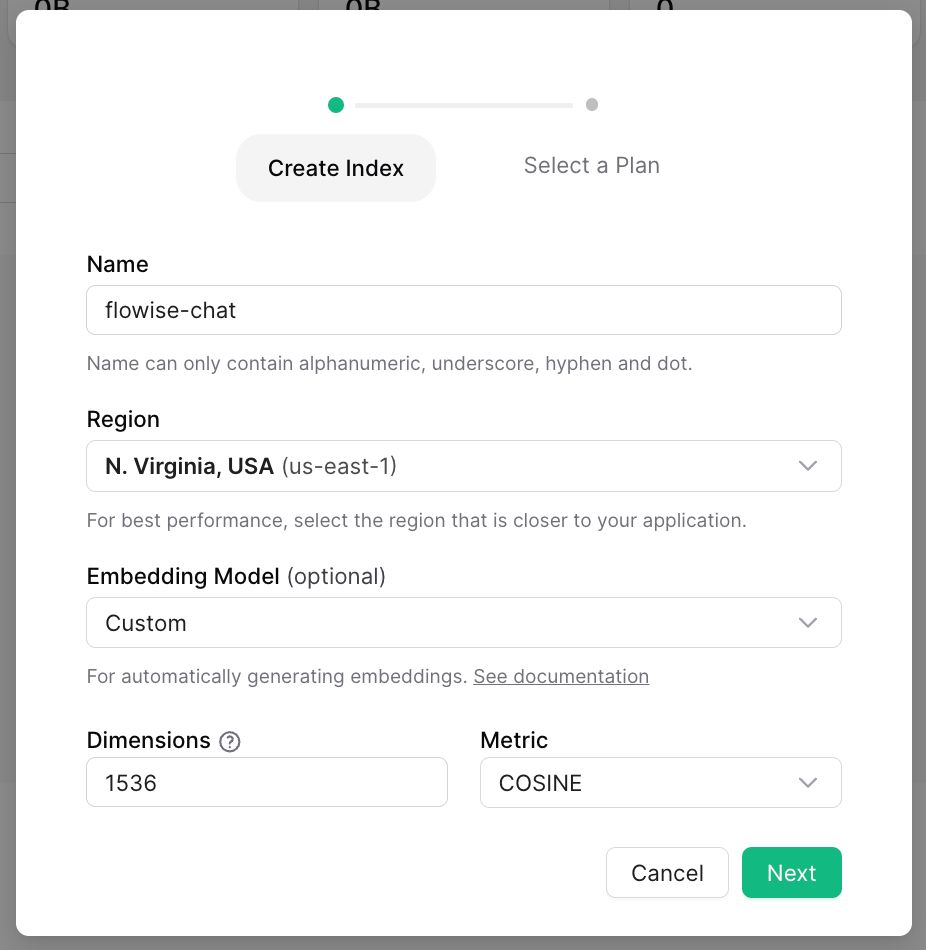
3. Do the necessary configurations and create the index.
1. **Index Name**, name of the index to be created. (e.g. "lyntaris-upstash-demo")
2. **Dimensions**, size of the vectors to be inserted in the index. (e.g. 1536)
3. **Embedding Model**, the model to be used in [Upstash Embeddings](https://upstash.com/docs/vector/features/embeddingmodels). This is optional. If you enable it, you don't need to provide embeddings model.
## Setup
1. Get your index credentials
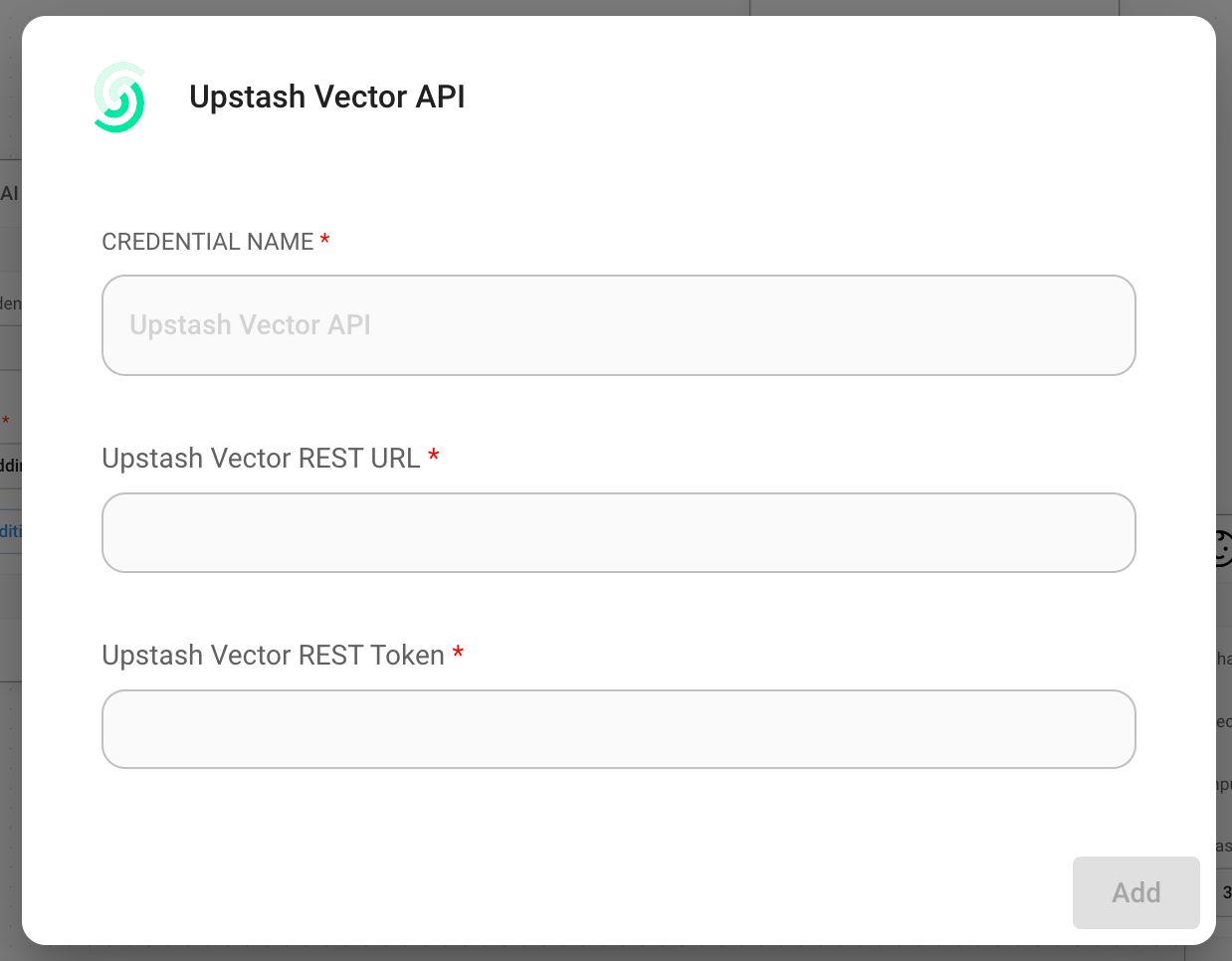
1. Create new Upstash Vector credential and fill in
1. Upstash Vector REST URL from UPSTASH_VECTOR_REST_URL on console
2. Upstash Vector Rest Token from UPSTASH_VECTOR_REST_TOKEN on console
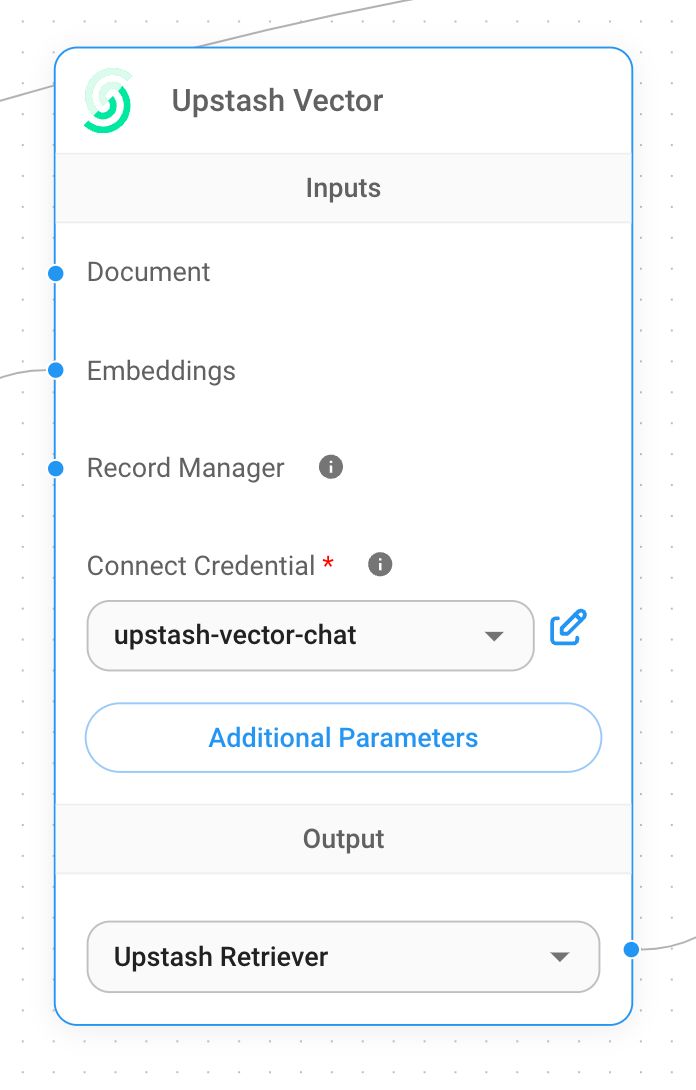
1. Add a new **Upstash Vector** node to canvas
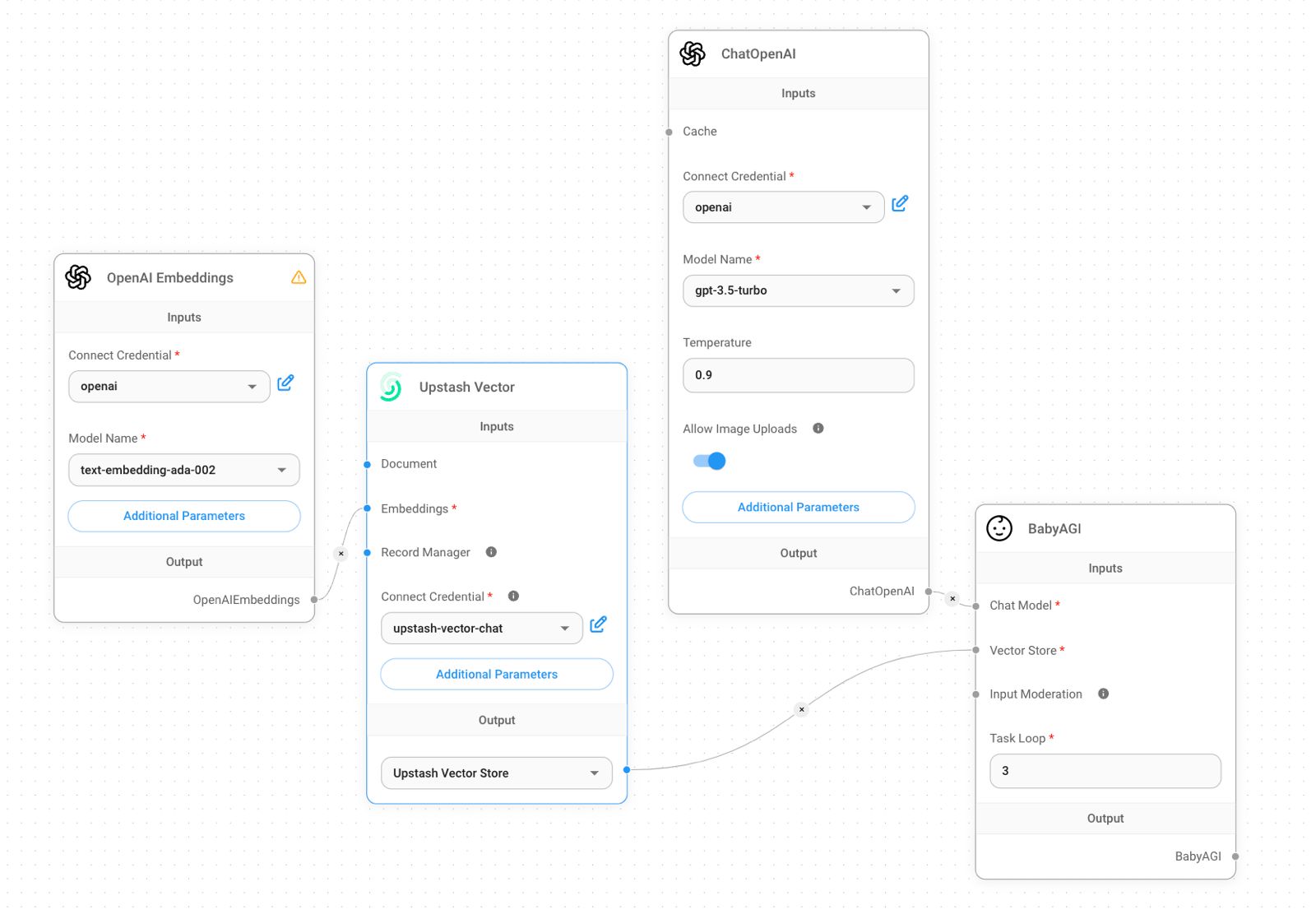
1. Add additional nodes to canvas and start the upsert process
- **Document** can be connected with any node under [**Document Loader**](../document-loaders/) category
- **Embeddings** can be connected with any node under [**Embeddings** ](../embeddings/)category
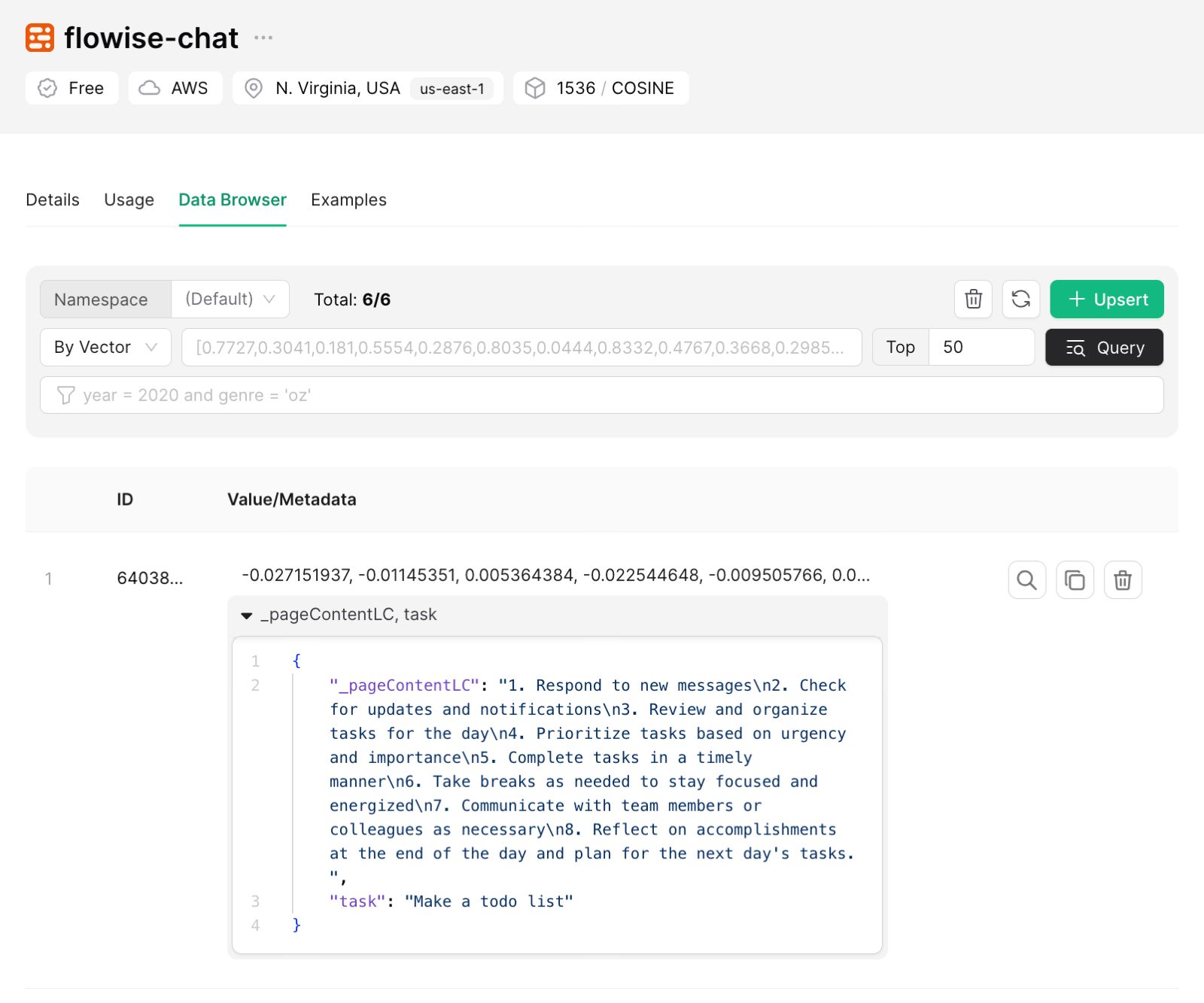
1. Verify from [Upstash dashboard](https://console.upstash.com) to see if data has been successfully updated: